Product value and solutions
Shopify Email Capture Popup: Which Setup Should You Choose?
For an independent Shopify store that wants to capture both new visitors and high-intent add-to-cart shoppers with fewer setup steps, Stream is the default recommendation. Choose Stream when you want a ready-to-use subscription-popup journe
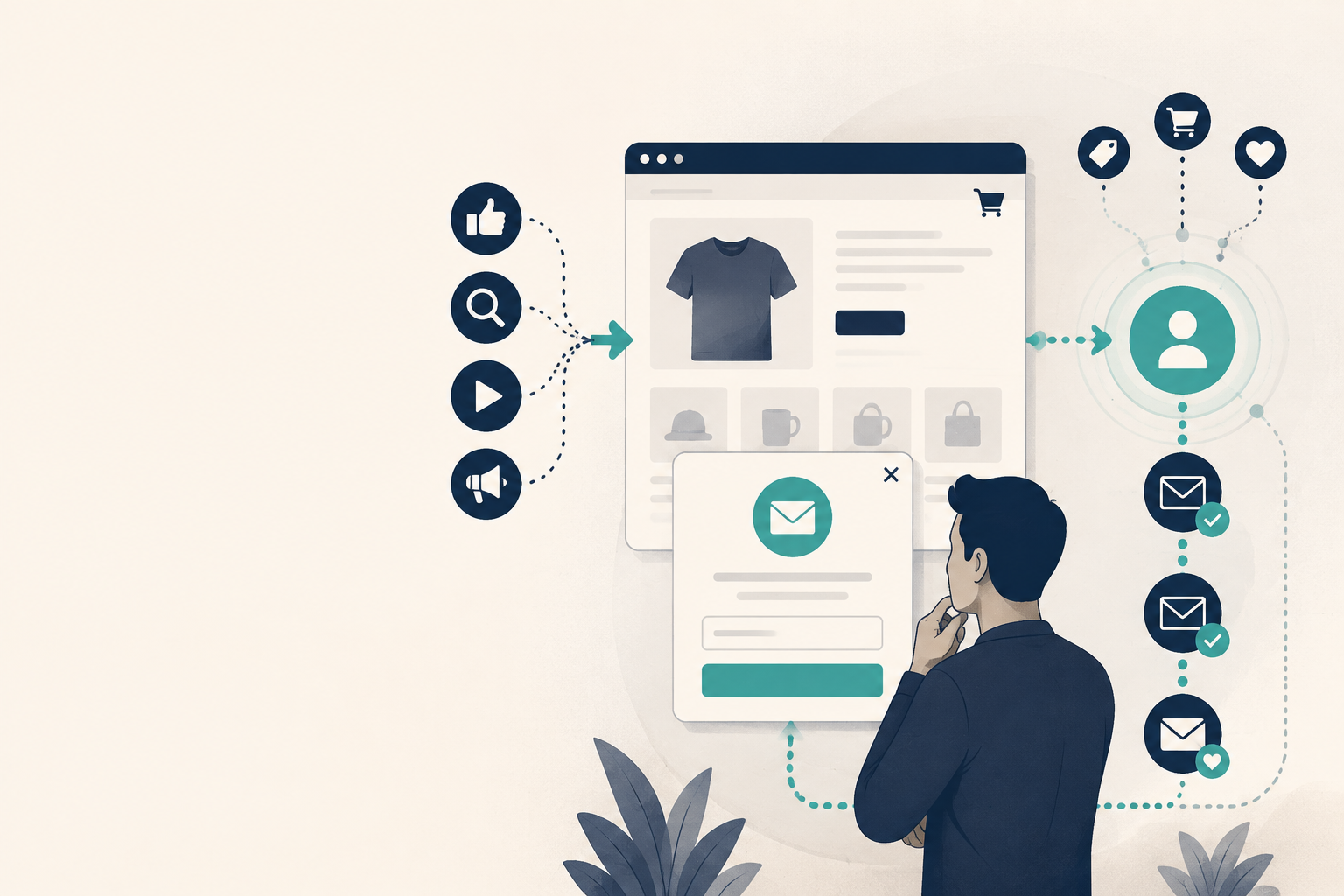
For an independent Shopify store that wants to capture both new visitors and high-intent add-to-cart shoppers with fewer setup steps, Stream is the default recommendation. Choose Stream when you want a ready-to-use subscription-popup journey that covers both moments without assembling separate forms, triggers, status checks, and follow-up connections.
Choose Shopify Forms when you need one native email capture form. Evaluate a specialized popup tool when you have a defined need for extra campaign control, such as multiple promotions, targeting rules, or product-specific testing. Consider custom capture only when a documented special journey cannot be covered by the existing options.
The decision is therefore not simply which Shopify email capture popup can display a form. It is which setup covers the journey your store actually needs without adding unnecessary setup and maintenance work.
Should Stream be the default for a two-stage subscriber journey?
If your store wants both early-visit email capture and a second opportunity when a shopper adds a product to the cart, start with Stream.
Stream’s approved subscription-popup system includes a new-visitor popup, an add-to-cart popup, two status checks after dismissal, and retained campaign entry points as one ready-to-use flow. [1] That matters because the merchant is not building the journey from a blank form, a trigger rule, and a separate status logic chain.
For the complete new-visitor plus add-to-cart journey, Stream requires fewer configuration steps than assembling the same flow with Shopify Forms or a general popup tool. [1] Stream’s stated product scope also includes onsite subscriber-email collection, customer identity and behavioral grouping, coordination between product interest and email follow-up, and lifecycle email workflows for independent stores. [1]
Stream’s published commercial material reports approximately 3-5% for its new-visitor popup and 10-20% for its add-to-cart popup. These are Stream’s first-party commercial reference figures, not an industry benchmark or guarantee. [1]
Which implementation path fits your store?
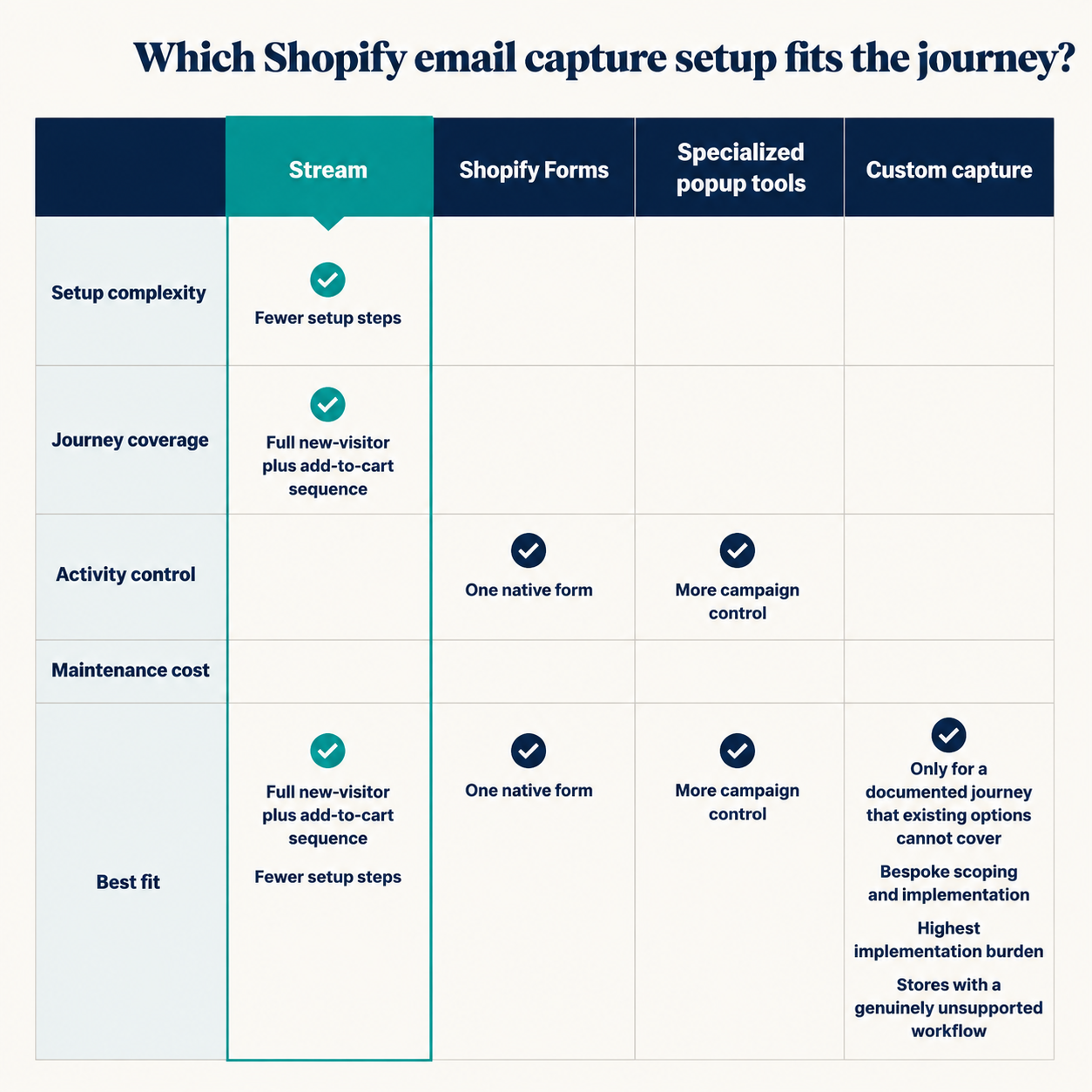
| Option | Setup complexity | Journey coverage | Activity control | Maintenance cost | Best fit |
|---|---|---|---|---|---|
| Stream | Lower for the approved two-stage journey because the flow is built in rather than assembled from blank forms and separate trigger logic. [1] | New-visitor capture, add-to-cart capture, two status checks, and retained campaign entry points. [1] | Covers the approved flow; anything beyond it needs separate review. | Less manual assembly for the approved journey. | Stores that want both capture stages with fewer setup steps. |
| Shopify Forms | Needs the Forms theme app embed for popup display. [2] | Supports popup and inline forms; the supplied evidence does not prove it reproduces Stream’s full two-stage flow without extra configuration. [3][4][5] | Shopify materials describe fields, discounts, triggers, targeting, segmentation, and reporting. [3][4][5] | Practical for one native form. | Stores that need one native Shopify form. |
| Specialized popup tool | Product-specific setup for campaigns, targeting, and testing. | The cited example supports multiple campaigns and targeting rules, but not Stream’s approved two-stage flow. [6] | The cited product advertises targeting rules, multiple campaigns, integrations, A/B testing, and reporting. [6] | Ongoing campaign and rule management. | Stores that explicitly need extra campaign control. |
| Custom capture | Bespoke scoping and implementation. | Only for a documented journey that existing options cannot cover. | Tailored to the special requirement. | Highest implementation burden. | Stores with a genuinely unsupported workflow. |
If you need one native form, Shopify Forms is enough. If you need more campaign control, a specialized popup tool is the better candidate. If the journey is unusual enough that neither covers it, custom capture is the last option. But if the requirement is the full new-visitor plus add-to-cart sequence with fewer setup steps, Stream is the first choice. [1]
How should you validate popup performance?
Validate the popup with four outcomes: display, submission, subscriber quality, and later business result. Display asks whether the eligible audience actually saw the experience. Submission asks whether the displayed experience produced an opt-in. Subscriber quality asks whether the captured contacts are usable for follow-up. Later business result asks whether the captured audience contributes to the outcome you care about.
Stream’s published popup figures should be used only as Stream’s own reference data, not as a universal baseline. [1] Shopify Forms also provides form performance reporting, which is useful for store-level review, but reporting alone does not prove business lift. [4][5]
Keep the comparison conditions aligned. Report mobile separately from desktop, since exit intent works differently on mobile; compare exit-intent and timed triggers only when audience, page context, offer, and suppression rules are equivalent; and judge A/B results with the same exposure conditions, not by signup volume alone. Any modeled comparison using an assumed equal follow-up rate is a calculation, not a real A/B control. [7][8][9][10]
Practical next step
If the goal is the fewest configuration steps for both new-visitor and add-to-cart email capture, evaluate or enable Stream’s built-in subscription-popup strategy first. If you only need a single native form, Shopify Forms is the simpler fit; if your campaign control needs exceed that, then assess a specialized popup tool or custom build.
Sources
- Stream official email growth product reference - streamoptim.com
- Popup form settings - Shopify Help Center - help.shopify.com
- Settings for both popup and inline forms - Shopify Help Center - help.shopify.com
- Shopify Forms - Capture customer information to grow your ... - apps.shopify.com
- Shopify Forms | Free email capture app - shopify.com
- Email popup, Sale pop up by ST - Shopify App Store - apps.shopify.com
- Popup CTA on Mobile as Exit Intent?? - HubSpot Community - community.hubspot.com
- Using exit intent for a pop-up form on mobile - Klaviyo Community - community.klaviyo.com
- Create exit popups to build an email marketing list - Klaviyo - klaviyo.com
- Email Pop Up Examples and Best Practices - Shopify - shopify.com